

Hosting and deploys
You can host your documentation site on Stainless, or with any hosting provider that supports static sites.
Choosing a provider
Section titled “Choosing a provider”We recommend you host your site on Stainless, which offers a few advantages:
- Automatic builds and deploys when your APIs or SDKs change
- AI search indexing powered by Algolia
- Optimized performance for SEO and GEO
- Pre-configured asset caching behind a global CDN
- A generous free tier, including free custom domains with automatic SSL
Host with Stainless
Section titled “Host with Stainless”When you set up your site through the Stainless dashboard, your site is automatically deployed on Stainless infrastructure. When you’re ready to go to production, add a custom domain.
Preview builds
Section titled “Preview builds”When you push a branch to your docs repository and create a pull request, Stainless automatically builds a preview of your site. This allows you and your team to review documentation changes before merging.
View the build status
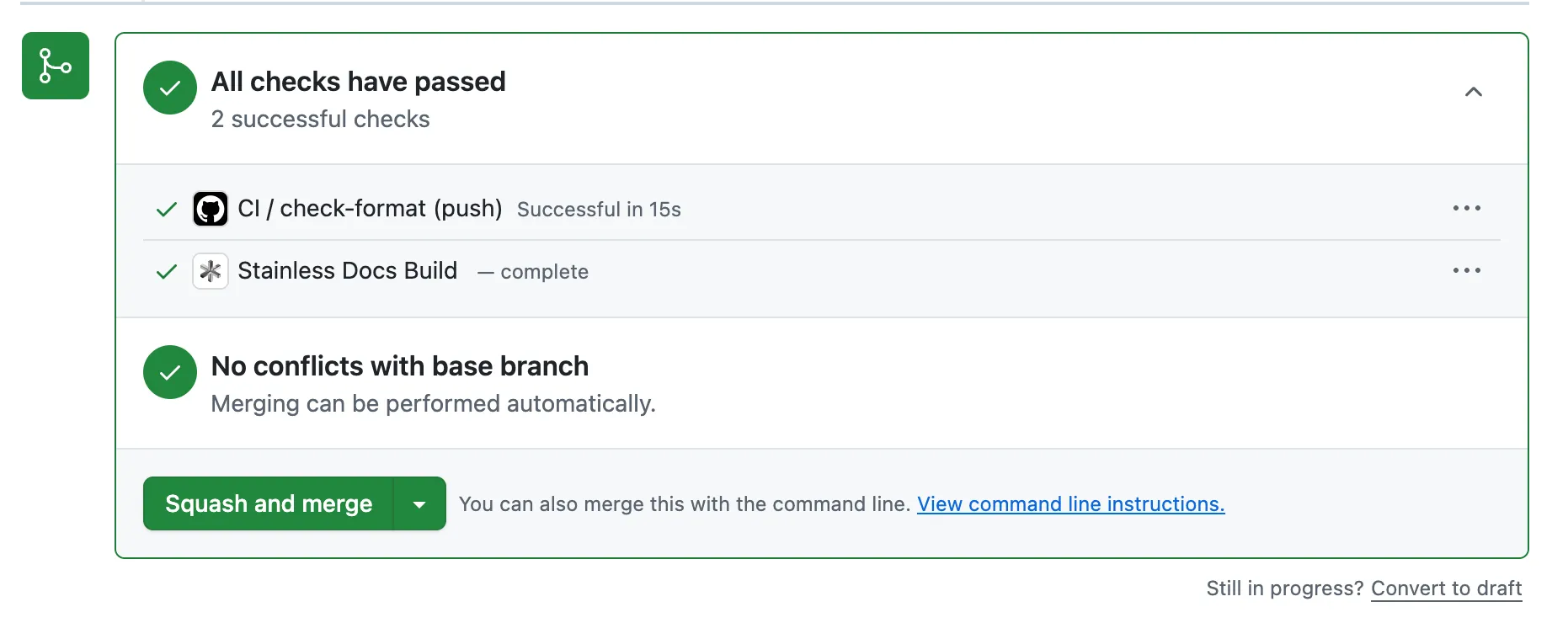
Section titled “View the build status”After you push changes, a Stainless Docs Build check appears in your pull request. Click Details to open the deployment details in the Stainless dashboard.
Access the preview URL
Section titled “Access the preview URL”The deployment details page displays the build status, source branch, commit SHA, and a preview URL. The preview URL is a unique link to your documentation site built from the pull request branch.
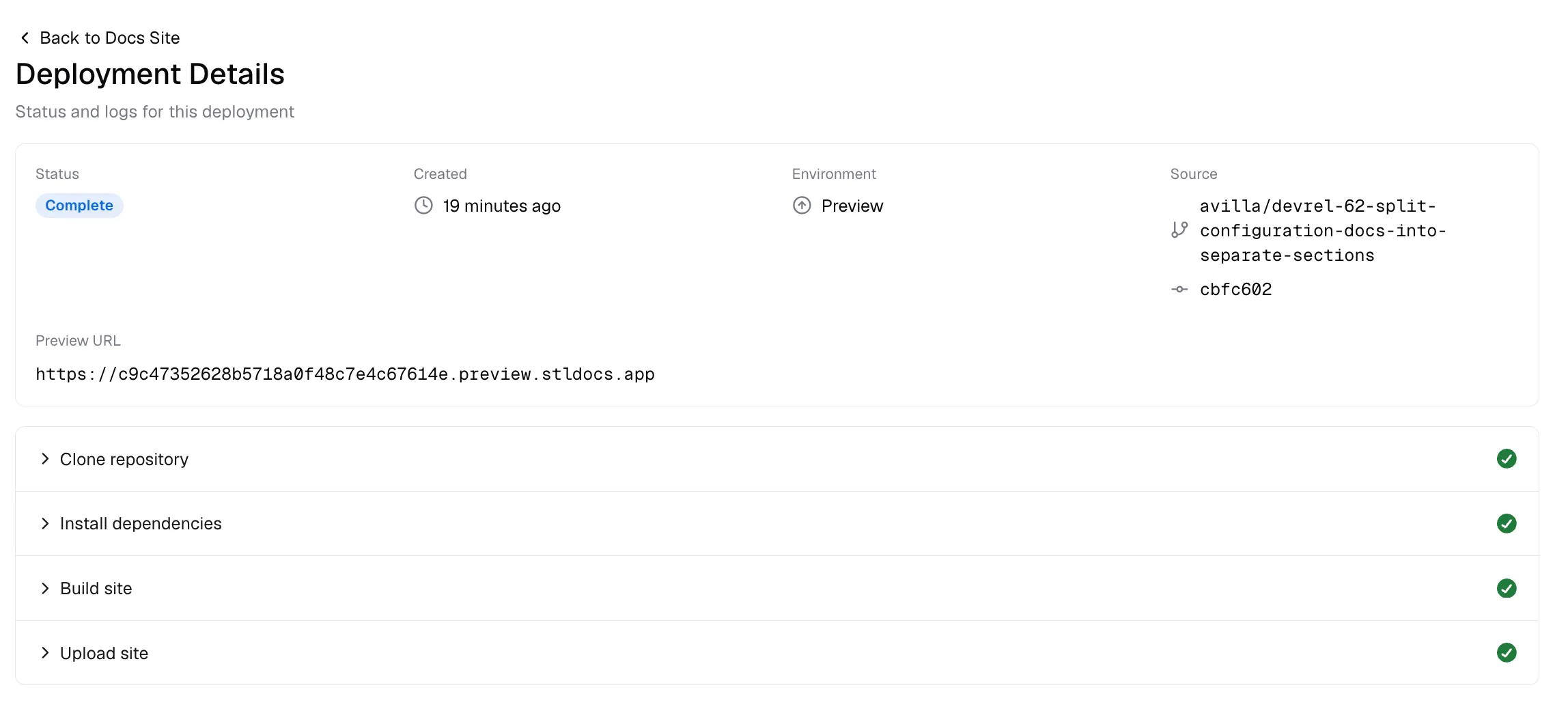
Share this preview URL with reviewers so they can see your proposed documentation changes in context.
View build logs
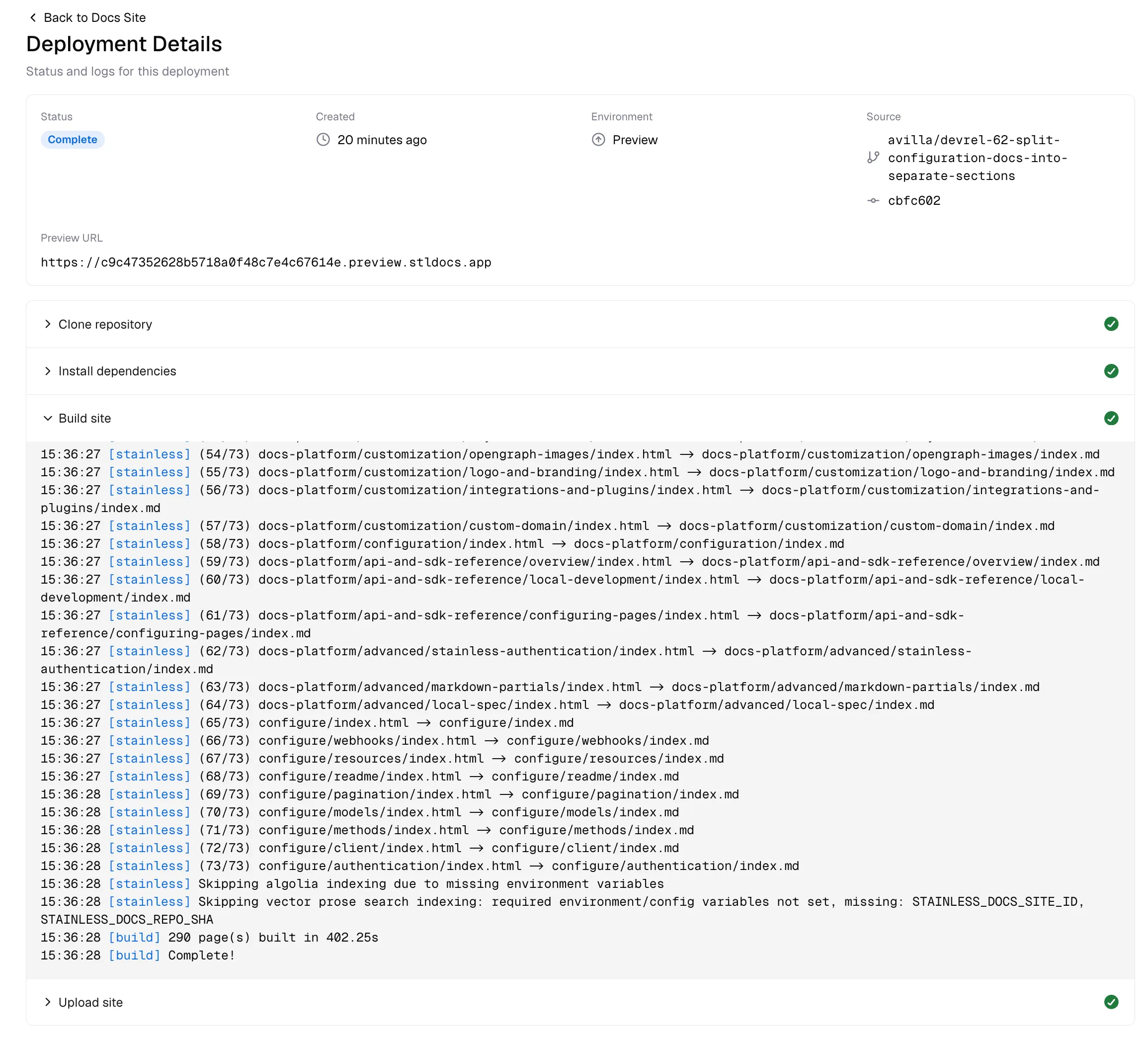
Section titled “View build logs”To troubleshoot build issues or verify the build process, expand any build step to view its logs. The build steps include cloning the repository, installing dependencies, building the site, and uploading the result.
Host elsewhere
Section titled “Host elsewhere”If Stainless hosting doesn’t meet your needs, or if you prefer to host your site yourself, your site can be hosted anywhere that supports static sites.
First, generate a static build of your site:
pnpm buildWhen you run this build command, your static site will be generated in the dist directory. If you have a deployment pipeline, you should add this build command to it so your site is regenerated every time you deploy.
You can preview the resulting static site locally by running the following command:
pnpm previewThe static site inside your dist directory can be hosted anywhere that supports static site hosting, such as GitHub Pages, Vercel, Cloudflare Pages, Netlify, and many other web hosts.
Site search
Section titled “Site search”By default, your static site will use Pagefind for basic site search.
If you have an Algolia account, you can enable advanced search functionality by passing the following environment variables into the build command:
| Environment variable | Description |
|---|---|
PUBLIC_ALGOLIA_APP_ID | Your Algolia app ID |
PUBLIC_ALGOLIA_INDEX | The name of the index to use for search indexing |
PUBLIC_ALGOLIA_SEARCH_KEY | Your Algolia search API key |
PRIVATE_ALGOLIA_WRITE_KEY | Your Algolia API key |
Configuring cache headers
Section titled “Configuring cache headers”When you host with Stainless, we automatically set the correct cache headers for each file. When you host your site elsewhere, you need to set these yourself to ensure that your site is performant.
Assets in the _astro directory are versioned, and therefore can be cached indefinitely. We recommend the following cache headers for these assets:
Cache-Control: public, max-age=604800, immutableOther files in the dist directory, including HTML files, should be cached for a shorter period of time, depending on how often you expect them to change.