Stainless Docs Platform: now in public beta

CJ Avilla
Developer Relations Engineer

Alex Arena
Engineering Manager
We first introduced the Stainless Docs Platform in November of last year. Since then, coding agents have evolved, fundamentally changing the rules of software development and how we think about API documentation.
Docs need to be just as accessible for AI agents as they are for human developers. At the same time, a code-first documentation platform enables API designers and writers to use these powerful new coding agents to build customized experiences that would have been difficult or impossible to create before.
Today, we’re excited to share that the Stainless Docs Platform is now available in public beta, enabling API providers to deliver docs that accelerate AI agents and delight human developers.
This post covers what the Docs Platform does today and where we are headed next.
AI-powered API documentation
AI chat in your docs
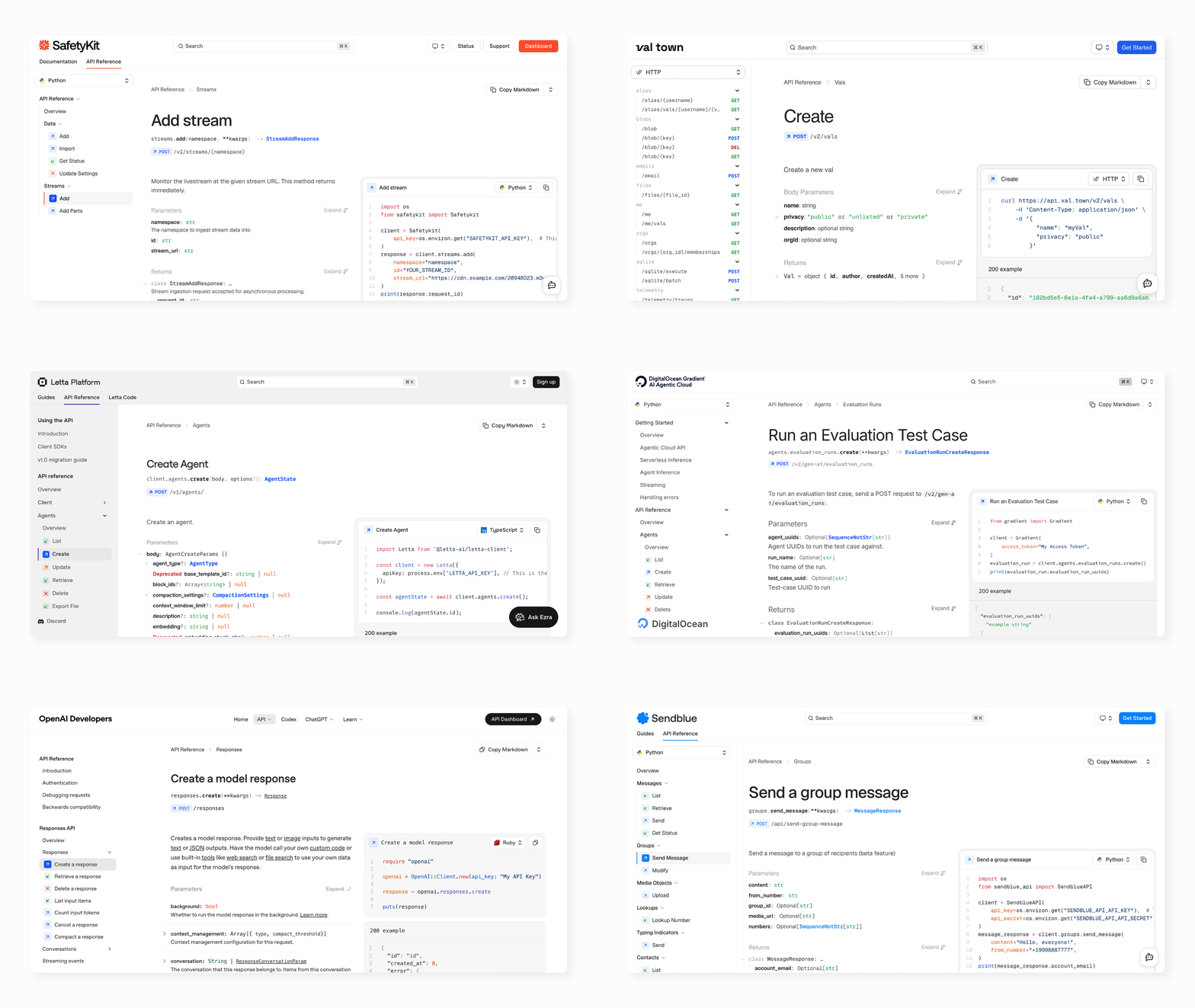
Most API docs force developers to read three pages to answer one question. Our new built-in AI chat lets them ask it directly.
A developer integrating your POST /v1/charges endpoint can ask: "How do I handle idempotency keys in the Python SDK?" and get a context-aware answer drawn from both your API reference and prose guides, without leaving the page.
Our AI chat feature streams markdown responses with syntax-highlighted code blocks, renders tables, and supports both a floating button and a full side panel. Users can rate and copy responses.
It also has access to your org name and support email, so it can hand off to human help when it reaches the limits of what it knows.
LLM-friendly
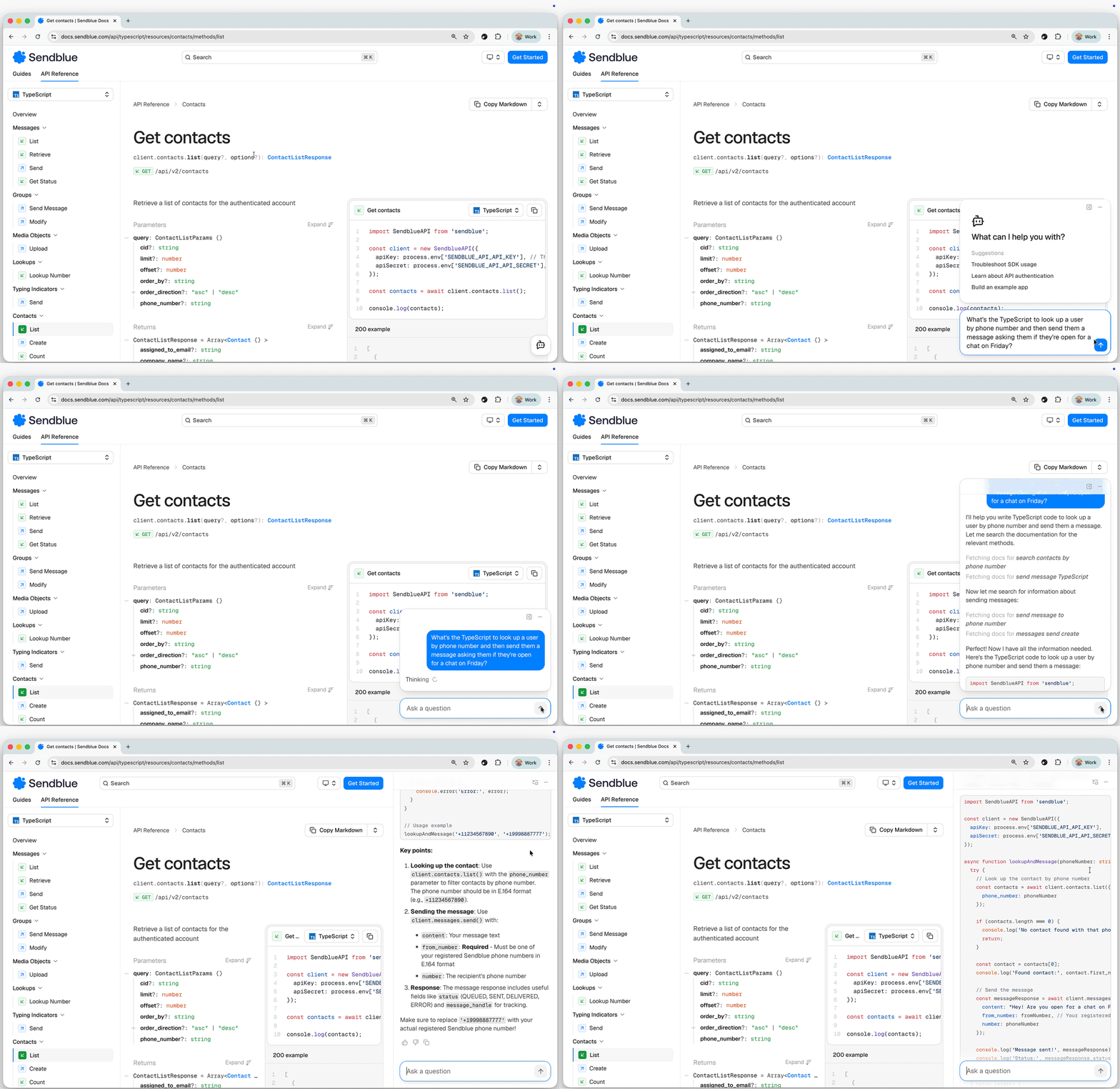
Every page on your docs site is also available as markdown via the Accept header or by adding /index.md to any path. AI coding assistants (like Claude Code and Cursor) and MCP servers can consume your documentation without scraping HTML.
The markdown contains the same SDK-aware reference developers see in the browser. Endpoint pages include real SDK method signatures, typed request shapes, and language-specific code examples generated from your SDKs.
Developer experience
Docs-as-code
Your documentation lives in a Git repository with a familiar docs-as-code workflow. You have full access to the repo, so your team can write guides, review changes, deeply customize, and manage documentation the same way you manage application code.
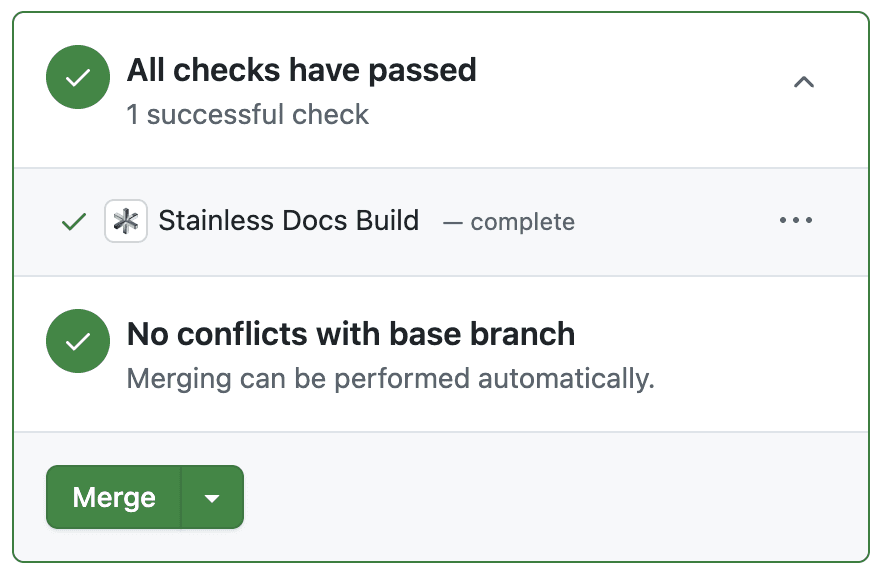
Push a branch, open a pull request, and Stainless automatically generates a preview build so you can review the docs in context. When changes are merged, the site updates automatically.
If you use the Stainless-hosted docs platform, deployments happen for you. If you prefer to host the site yourself, you can run the same workflow in your own infrastructure.
Preview builds
Every pull request to your docs repo triggers a preview deployment. Review documentation changes in context before merging, the same way you review code.
Design and customization
Theming rebuilt from the ground up
Your docs should look like your product, not a generic template. The Stainless Docs Platform includes a flexible theming system so you can match your brand with minimal configuration.
Since November, we’ve rewritten our theming system to make customization dramatically simpler. Our new theming system lets you customize colors, typography, and UI styling using a few CSS variables. For example, changing your site’s accent color updates links, buttons, and other highlighted UI elements across the entire documentation site.
For some sites, changing --stl-color-accent and adding a logo is all you need:
You can also adjust your base palette to control background and text colors in both light and dark mode:
Typography is configurable as well. Override the font variables to use your own fonts for body text, headings, and code:
Because the design system is built on semantic variables, small changes propagate automatically across components.
Automatic open graph images
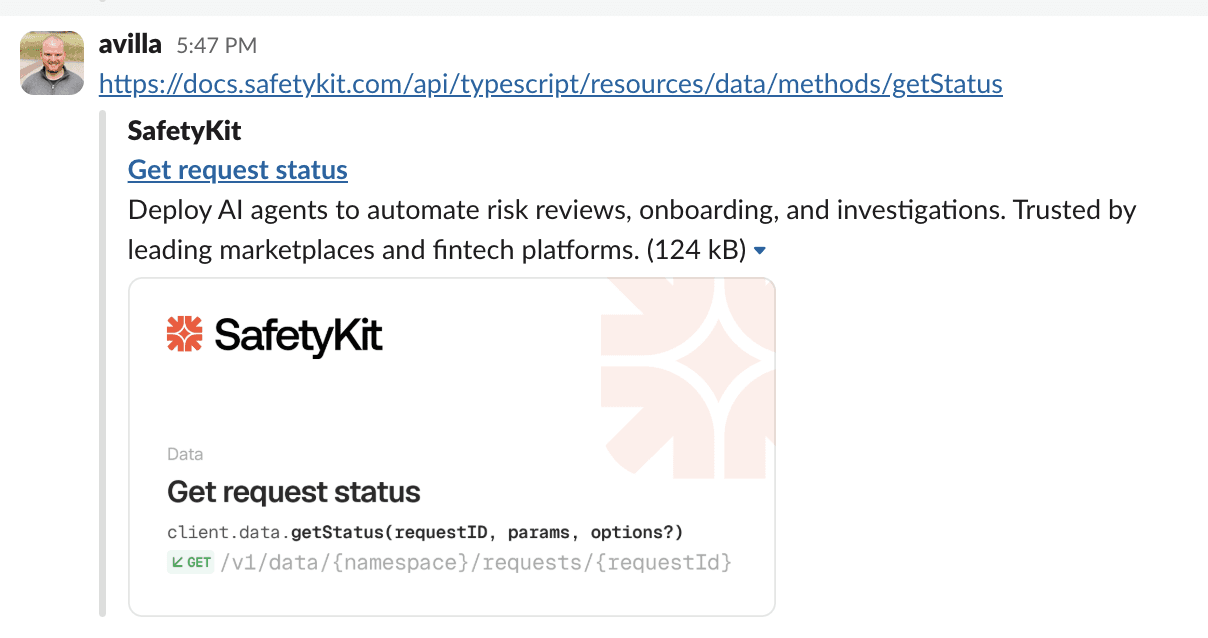
Every page on your docs site automatically generates a branded OG image. API reference pages include the method signature (POST /v1/charges), and prose pages show the title with breadcrumbs. The images support your custom fonts, light and dark variants, and background logos.
Share a link on Slack or Twitter and it looks polished without any manual work.
Comprehensive API reference
API and SDK reference, unified
Stainless Docs combines API reference and SDK reference into a single documentation experience.
Because Stainless generates your SDKs, the documentation renders endpoints using the actual SDK interfaces. When a developer switches language tabs, they do not just see a different HTTP example. They see the real method signature from that SDK, along with the correct request shapes and types for that language.
The types shown in the reference map directly to the types developers import when using the SDK, which makes the documentation a true SDK reference rather than a thin wrapper around HTTP requests.
New UI components
Throughout early access, we’ve begun to develop a built-in library of beautiful, accessible UI components for your docs:
Badge: sizes, intents, and HTTP method badges (
GET,POST,DELETE) with semantic coloringStep: multi-step guides with numbered progression
Dropdown: fully rewritten with keyboard navigation
Pagination: sequential navigation through API reference pages
Collapsible descriptions: long endpoint descriptions collapse by default for scannability
Of course, because Stainless Docs sites are built with Astro and React, you can also bring your own UI components, either by writing them yourself or by using popular UI component libraries like shadcn.
Improved search
During early access, we improved our existing Algolia-based site search and added an entirely new vector search layer.
Algolia handles traditional keyword search across both API reference and prose content. We built custom indexing that treats prose guides and API methods as first-class searchable content, not afterthoughts.
AI vector search handles semantic queries. A three-phase pipeline (chunk, embed, store) indexes your prose documentation. Search results are pre-rendered at index time and cached with a write-through render cache, so results return fast. Method documents are language-agnostic, so searching "create a charge" on Acme's site returns relevant results regardless of which SDK language tab you are viewing.
One insight from early access: search quality matters more than search speed for most teams. Getting the right result on the first query beats returning results 50 ms faster.
Infrastructure
Cloudflare edge caching
When a developer in Tokyo loads Acme's docs, they hit a Cloudflare Worker that caches responses at the edge using Cloudflare’s Cache API. The result: sub-100 ms TTFB for cached pages across Cloudflare's major edge locations.
Shiki syntax highlighting
We replaced highlight.js with Shiki for more accurate, editor-quality syntax highlighting. Shiki uses the same grammars as VS Code, so code blocks look exactly like they do in your editor. Expressive Code support enables line-level insertions and deletions styled through the design system, useful for showing diffs in migration guides.
The road to 1.0
While the Docs Platform is now in beta, there’s still work to do before we can confidently apply a 1.0 label.
Solidifying the right APIs and abstractions
During early access, we rapidly evolved the API surface for the Stainless Astro integration, the core of the Docs Platform. We do expect a small number of breaking changes between now and 1.0. But now that we’re in public beta, you can expect that these changes will be relatively minor and will be accompanied by migration guides.
Opening up additional use cases
Today, although anyone can use the Docs Platform, it requires that you have at least one Stainless-generated SDK. By 1.0, we intend to allow you to create Stainless Docs sites to document your API before you’ve created your first SDK.
Open sourcing
We intend to open-source a majority of the Stainless Docs Astro integration code. This is important to us so users don’t feel platform lock-in, and so your coding agents can inspect the source code underlying your sites. We’re finalizing the details, but we are hoping to complete this work by the time we reach 1.0.
Fixing bugs + polishing
Throughout early access, we triaged bugs as users encountered them. Today, we’re being battle-tested live on some of the largest API docs websites including Anthropic’s and OpenAI’s. We have a backlog of relatively minor bugs that we aim to fix before 1.0. These are generally styling improvements or DX fixes. API reference correctness and site reliability are both stable.
One notable exception is our AI chat, whose functionality is still heavily dependent on the quality of your written guides to provide correct answers. We think there’s more we can do here to consistently generate correct information based only on the Stainless-generated API reference.
New features
Our early access has given us many ideas around what the future of docs might look like. We aren’t ready to share specifics publicly, but we have a few big additions in the pipeline for 1.0 which we think users and agents will love.
Ship your docs today
Already generating SDKs with Stainless? Enabling docs is a single configuration change. See the quickstart guide to get started.
New to Stainless? Connect your OpenAPI spec at app.stainless.com, pick your languages, and deploy your first docs site.
Originally posted
Mar 12, 2026